
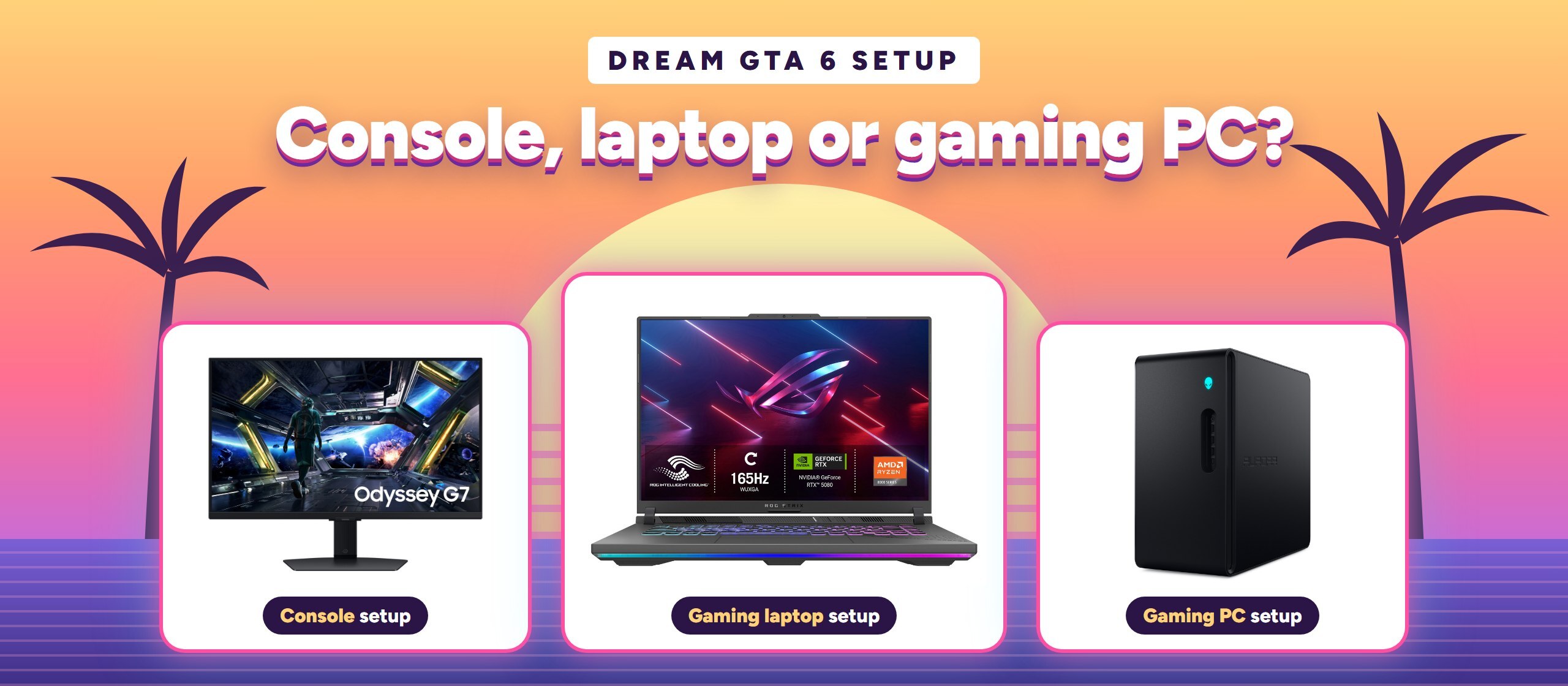
GTA 6 is here, and whether you're cruising Vice City on a PS5, streaming it to a laptop or getting a PC ready for the day it lands on Windows, the right kit makes all the difference. This guide covers what you actually need to play, what refresh rates really mean for GTA 6, and our dream setups for console, laptop and PC gamers at every budget.
Quick answer: On console, GTA 6 runs at 30fps, so spend your money on a great 4K screen and extra storage, not a super-fast monitor. If you game on a laptop or PC, aim for an RTX 5070 or better, 32GB of RAM and a fast 1TB+ SSD, so you're ready when a PC version arrives.
What you need to play GTA 6
On console
GTA 6 is out now on PS5, PS5 Pro, Xbox Series X and Xbox Series S. It isn't available on PS4 or Xbox One.
- Storage: GTA 6 is a huge game. Early reports put the PS5 download at over 200GB, and that's before updates. A standard PS5 has roughly 667GB of usable space, and an Xbox Series S has around 364GB, so many players will need more room.
- Screen: Any TV or gaming monitor with HDMI will work, but a 4K screen with good HDR will make the biggest difference to how the game looks.
- Online: You'll need PlayStation Plus or Xbox Game Pass Core/Ultimate to play GTA Online.
On PC
Rockstar hasn't announced a PC version or official PC system requirements yet. Past GTA games have come to PC after console, so plenty of players are getting ready now. Until official specs are out, this is the kind of PC we'd suggest to be ready for a big, modern open-world game like GTA 6. This is our guidance, not Rockstar's.
| Good | Great | Dream | |
|---|---|---|---|
| Graphics card | RTX 5060 Ti 16GB or RX 9070 GRE | RTX 5070 / RX 9070 XT | RTX 5080 or RTX 5090 |
| Memory (RAM) | 16GB | 32GB | 32GB or more |
| Storage | 1TB NVMe SSD | 1TB+ NVMe SSD | 2TB NVMe SSD |
| Screen | 1440p, 144Hz | 1440p or 4K, 165Hz+ | 4K OLED, 165Hz+ |
One tip: graphics card memory (VRAM) matters a lot in big open-world games. If you're choosing between two similar cards, go for the one with more VRAM.
Refresh rates explained: 30fps, 60Hz, 144Hz and beyond
A monitor's refresh rate (in Hz) is how many times a second it can update the picture. A game's frame rate (in fps) is how many new frames your console or PC actually makes. You only see the benefit of a fast monitor if your device can keep up.
| Refresh rate | What it means for you |
|---|---|
| 30fps | GTA 6 on PS5, PS5 Pro and Xbox Series X|S at launch. Any monitor or TV handles this. |
| 60Hz | Fine for console GTA 6, but you'll miss out in faster games. |
| 120Hz | The most PS5 and Xbox Series X can output (with HDMI 2.1), used by many other console games. |
| 144Hz to 180Hz | The sweet spot for PC and laptop gaming. Silky smooth for open-world and action games. |
| 240Hz and up | Mainly for competitive shooters. Not needed for GTA. |
The bottom line: for GTA 6 on console, picture quality beats speed. For PC, a 144Hz to 180Hz monitor is the best balance. Not sure a gaming screen is worth it? See gaming monitor vs regular monitor.
The dream console setup
Already got a PS5 or Xbox? These upgrades will make the biggest difference to GTA 6.
| Upgrade | Our pick | Why |
|---|---|---|
| Budget monitor | ASUS TUF Gaming VG27AQ5A | 27" 1440p, a big step up from 1080p for not much money |
| Best all-round monitor | Samsung Odyssey G7 27" 4K | 4K, two HDMI 2.1 ports for PS5 and Xbox |
| Dream monitor | AOC AGON PRO AG326UD 4K OLED | True blacks and vivid neon for Vice City at night |
| Storage (PS5) | Samsung 990 PRO 1TB | Fits the PS5's M.2 slot. Sony recommends a heatsink. |
| Headset | Razer BlackShark V2 X | 3.5mm jack plugs straight into your controller |
| Cable | Lindy 2m Ultra High Speed HDMI | Needed for 4K at 120Hz |
Want more choice? Browse all gaming monitors, headsets and HDMI cables.
The dream gaming laptop setup
A gaming laptop gives you a powerful PC you can take anywhere. Today, you can use the free PS Remote Play or Xbox app on a Windows laptop to stream GTA 6 from your console around the house. And when a PC version arrives, a laptop with a strong RTX graphics card will be ready to run it.
| Laptop | Graphics | Best for |
|---|---|---|
| ASUS V16 (RTX 5070) | RTX 5070 | Best value |
| ASUS ROG Strix G16 (RTX 5080) | RTX 5080 | Best all-rounder |
| ASUS ROG Zephyrus G16 | RTX 5070 | Thin and light |
| ASUS ROG Strix G18 | RTX 5080 | Biggest screen |
| Razer Blade 16 (RTX 5090) | RTX 5090 | The dream machine |
Best value: ASUS V16 with RTX 5070
A 16-inch laptop with an Intel Core 7 processor, RTX 5070 graphics and a generous 32GB of RAM. It's the most affordable way into a laptop that's ready for big new games. View the ASUS V16 (RTX 5070)
Best all-rounder: ASUS ROG Strix G16 with RTX 5080
Our pick for most people. You get RTX 5080 graphics, one of the most powerful laptop GPUs you can buy, without paying flagship prices. View the ROG Strix G16 (RTX 5080)
Thin and light: ASUS ROG Zephyrus G16
Slim enough for work and uni, powerful enough for gaming. The sharp 2.5K screen and Wi-Fi 7 make it a great all-in-one laptop. View the ROG Zephyrus G16
Biggest screen: ASUS ROG Strix G18
An 18-inch 2.5K display, RTX 5080, 32GB of RAM and a 2TB SSD. That's plenty of room for GTA and the rest of your library. View the ROG Strix G18
The dream machine: Razer Blade 16 with RTX 5090
If money's no object, this is it. RTX 5090 graphics, 32GB of RAM and a 2TB SSD in Razer's premium aluminium design. View the Razer Blade 16
Laptop tip: plug your laptop into an external monitor at home for a bigger screen and a better desk setup. The Alienware AW2725QF is a great 4K, 180Hz match.
The dream gaming PC setup
For the best performance, nothing beats a gaming desktop. You can buy one ready-made, or upgrade the graphics card in the PC you already have.
Ready to go: Alienware Aurora with RTX 5080
A complete gaming PC with an Intel Core Ultra 9 285K, RTX 5080 graphics, 32GB of RAM, a 2TB SSD and liquid cooling. Plug it in and play. View the Alienware Aurora
Upgrade your graphics card
Already have a decent PC? A new graphics card is the single biggest upgrade for gaming. Check your power supply and case size before you buy.
| Graphics card | Memory | Best for |
|---|---|---|
| Palit GeForce RTX 5060 Ti Infinity 3 | 16GB | Best value, with lots of VRAM and NVIDIA DLSS |
| ASUS Prime GeForce RTX 5070 (white) | 12GB | Smooth 1440p gaming |
| ASUS Prime Radeon RX 9070 XT (white) | 16GB | 4K gaming and white builds |
| Palit GeForce RTX 5070 Ti GamingPro S OC | 16GB | Our top pick for 4K |
Browse all NVIDIA graphics cards and AMD graphics cards. Building from scratch? Read 9 things to remember when building your first PC.
Finish your desk
- Monitor: the AOC AGON PRO AG326UD 4K OLED at 165Hz is our dream pick. For a lower budget, try the Alienware AW2725QF.
- Keyboard: the ASUS ROG Strix Scope II 96 Wireless has a UK layout, a number pad and three ways to connect. See more gaming keyboards.
- Mouse: the Razer DeathAdder V3 is light, comfortable and a long-time favourite. See more mice.
- Headset: the Razer Kraken V4 X works over USB-C or USB-A, so it suits a PC or laptop. See more headsets.
Dream GTA 6 setup FAQs
Is GTA 6 on PC? Not yet. Rockstar hasn't announced a PC version or PC system requirements. We'll update this guide when it does.
Can I play GTA 6 on a laptop? Yes, by streaming it from your PS5 or Xbox with the free PS Remote Play or Xbox app. A fast home network gives the best results.
How much storage does GTA 6 need? Rockstar hasn't confirmed an official size, but early reports put it at over 200GB on PS5. Check your console's store page for the latest size, and leave room for updates.
Does GTA 6 run at 60fps? Not at launch. It runs at 30fps on all consoles, including PS5 Pro.
Should I buy a gaming PC now or wait? If you want a PC for other games now, there's no reason to wait. If you only want it for GTA 6, you might choose to wait until Rockstar announces official PC specs.
What's more important, a better monitor or a better PC? On console, the monitor. On PC, the graphics card first, then a monitor that can show off what it can do.
Shop your GTA 6 setup at eSupply
Whatever your platform and budget, we've got everything you need for your dream GTA 6 setup. Order before 4:30pm (Monday to Friday) for next working day delivery, with Buy Now, Pay Later available at checkout.
Shop gaming monitors · Shop gaming laptops · Shop graphics cards · Shop accessories